

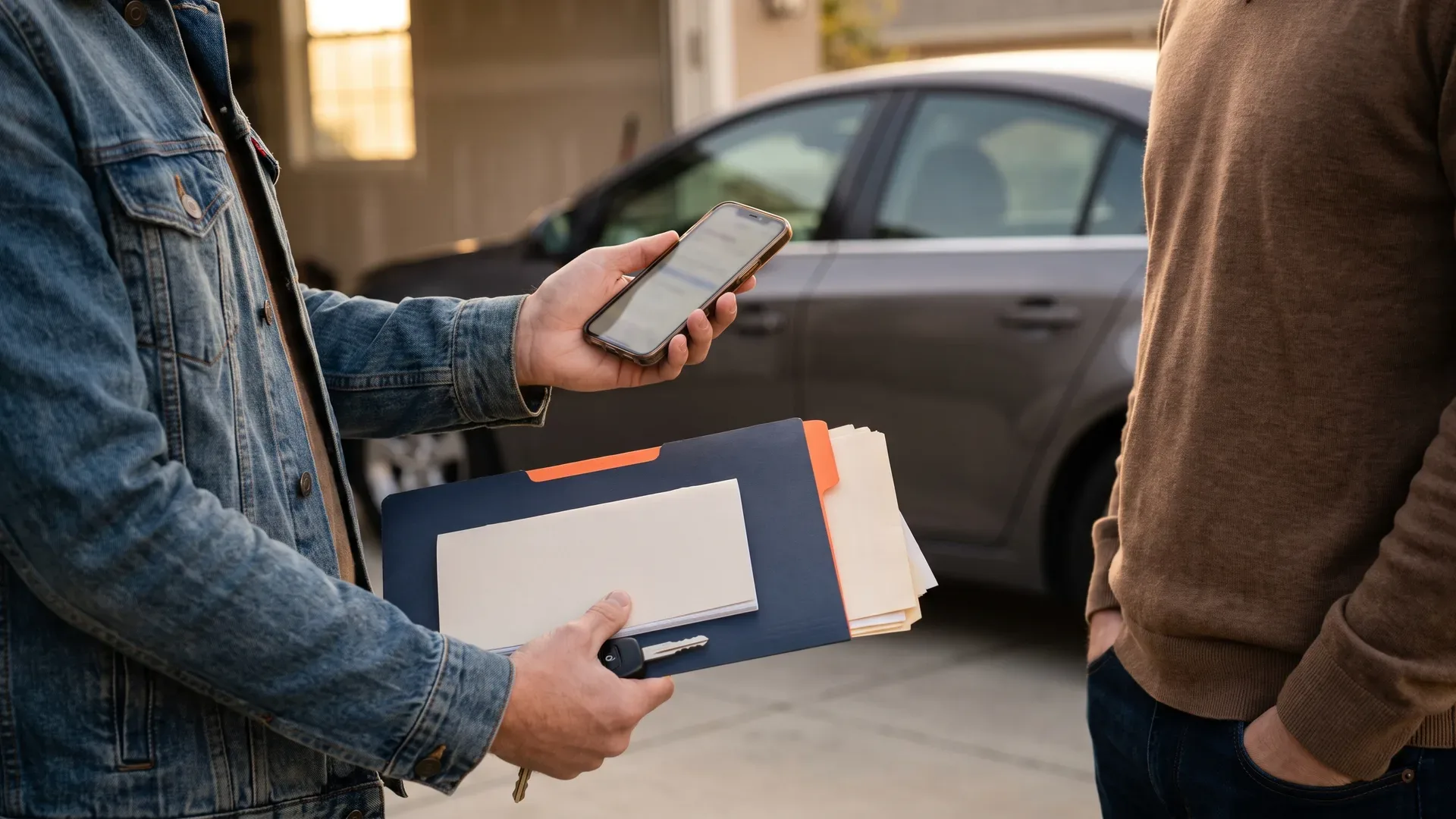
The registration document is signed in seconds. The authority is notified, the money is checked, the new owner drives away. Every administrative part of a private sale has a form, a deadline and a place to go.
The service history has none of that. No rule says you must hand it over, so most of the time it stays with the seller, in a cardboard folder or a phone gallery, while the buyer spends the whole viewing trying to reconstruct it. Here is how to pass it on for good, with WheelTrust's service history transfer.
The short version
Nothing forces you to hand over your service records. They are still the one thing that separates two identical adverts.
Sending photos of invoices is not passing on a history. The buyer gets images, not a service history that keeps going after the sale.
A digital service history can change owner: you enter the buyer's email address, they get a link valid for 48 hours, and the service history is theirs the moment they accept.
The service history follows the car. Your personal documents stay in your account.
Of the fifteen service history products we reviewed on 17 September 2026, none publicly documents this handover from seller to buyer.
What actually changes hands on the day
The registration paperwork is settled by your vehicle authority. Everything else is up to you.
Selling privately means signing the registration document over, telling the authority the car has gone, and giving the buyer whatever proof of roadworthiness your country requires. The rules differ from one country to the next, and the only source worth trusting is the official one: the DVLA in the United Kingdom, its equivalent wherever you are reading this. Deadlines and fees change, so check them rather than trusting a blog.
The car's own story sits outside all of that. Oil changes, the cambelt, the tyres, the repair that was dealt with instead of postponed. Nobody will ask you for it in writing, and it is precisely what the buyer is trying to work out while walking around the car.
Is a folder of receipts enough proof of servicing?
It proves what you spent. It does not transfer.
A folder beats nothing, and a careful buyer will go through it while you answer questions. The trouble starts after the handshake. Thermal receipts fade, one invoice is always missing, and the chronological order collapses at the first house move. Above all, the folder stops at the sale: the new owner starts an empty one, and the next resale begins from zero again.
Photos sent through a messaging app have the same weakness, only worse. The buyer receives seventeen images in a conversation they will lose with their next phone. Nothing ties those images to the car, nothing sorts them, nothing dates them beyond a file name.
Can you transfer a digital service history to the buyer?
With most apps, no. The service history stays attached to the account of whoever filled it in.
On 17 September 2026 we reviewed the fifteen main service history products, apps and websites, using their public pages and their store listings. None of them documents a transfer of the service history to the buyer. One FAQ answers "yes" to the question without a single product page explaining how. History reports sold online even do the opposite: the buyer buys them on their own, bypassing the seller.
WheelTrust runs the other way round, and you can check it in three minutes: the service history leaves with the car, when you decide, along with its entries, its documents and its details.
How the transfer works, step by step
It takes a minute, and it only becomes real when the buyer accepts.
Finish the sale as usual: paperwork signed, payment confirmed, authority notified.
Open the vehicle in your account, then the transfer option.
Enter the buyer's email address, the one they will sign in with.
The buyer receives a unique link, valid for 48 hours. After that the link expires and you can send another.
They open it, see a summary of the vehicle, and accept or decline.
On acceptance the service history is theirs. The current mileage is written into the history, marked as recorded at transfer.
Until they accept, nothing has moved. You still own the service history and you can cancel. That is also what saves you from an unrecoverable typo in an email address. The full step-by-step guide, with the table of what goes and what stays, is on the transfer your service history to the buyer page.
What travels with the car, and what stays with you
The service history follows the vehicle, not your account.
Travelling with the car: the service entries, the receipts attached to those entries, the details on the vehicle record and the mileage history. That is what the buyer wanted from the start, and they get it without having to call you six months later about a cambelt invoice.
Staying with you: your account documents, your licence, your insurance certificate, anything that describes you rather than the car. Any share links you sent out during the advert are cut at the moment of transfer, which is the least you would expect once three prospective buyers have seen the report.
One practical detail for the buyer. If they have already used up the vehicle allowance on their plan, the service history still arrives and still belongs to them. They can read it and keep it. They cannot edit it for as long as it stays within the free plan. Nothing that has been handed over is ever taken back.
Share link or transfer: which one, and when?
The link while the car is advertised, the transfer once it is sold.
While the advert is running, the buyer has no reason to own your service history. They need to read it. A share link shows them the vehicle report and nothing else from your account. You can send it to several people, and it stops when you say so.
After the sale the logic flips. The car is not yours, so its service history is not either. The transfer moves ownership once and for all. Keeping the service history of a car you no longer own serves no purpose, and it is a set of personal data you have no reason to hold on to.
A history report and a transferred service history answer different questions
A history report tells you where the car came from. A transferred service history tells you how it was looked after.
History reports sold online to buyers cross-reference databases: recorded accidents, previous owners, mileage readings, sometimes the administrative status of an import. That is useful, and it is money well spent when a car comes from far away or the seller stays vague. They have one blind spot: they cannot know that you changed the cambelt at 118,000 km at an independent garage that reports to no database.
A service history passed on by the seller covers exactly that blind spot, and the two sit together rather well. A methodical buyer does both, and they are right to. We set out what each one shows in the article paid history report or the seller's service history.
The figures, with their sources
15 service history products reviewed, 0 publicly documenting a transfer of the service history to the new owner. WheelTrust review of 17/09/2026, public pages and store listings.
48 hours: how long the transfer link sent to the buyer stays valid. WheelTrust product, 18/09/2026.
Registration deadlines and roadworthiness requirements: set by your national vehicle authority, and worth checking there rather than here.
Frequently asked questions
Does the buyer need an account to receive the service history?
Yes, using the email address you sent the transfer to. That is the price of them genuinely owning it: a service history that changes hands needs an identified recipient. Opening the account is free, and the free plan is enough to receive a first vehicle.
What happens if the buyer never replies?
The link expires after 48 hours and the service history stays with you. You can start another transfer afterwards, as often as needed. An expired link gives access to nothing.
Can I cancel a transfer I have already sent?
As long as the buyer has not accepted, yes. Once they have, the service history is no longer yours and cancelling would mean taking back something someone has accepted.
Do I keep a copy of the history after the transfer?
No, and that is deliberate. The service history follows the car. If you want a record for your own accounts, print the report to PDF from your browser before starting the transfer: it is generated on demand and you keep it wherever you like.
What if the car never had a digital service history?
You can build one before the sale from whatever you have. Photograph a garage invoice and AI-powered invoice reading pre-fills the date, the mileage, the garage, the amount and the type of work; you check them and you confirm. That saves time, and older work is typed in by hand in a few minutes. A partial but dated history beats a folder that was promised and never found. What each plan covers is set out on the plans page.
In short
Selling a used car means signing the paperwork and notifying the authority. Passing on how the car was maintained is a separate move, and nobody obliges you to make it. It is still what stays in the buyer's mind when the price gets discussed, and what will set the value of the car at the resale after that.
A service history that stops at the seller dies with every change of owner. A service history that follows the car keeps growing for its whole life. That is the first thing WheelTrust was built to do: see how the service history works, or read the plans if you want to know what the free account covers.
The WheelTrust team